HRMS pricing in the GCC depends on workforce size, required modules, payroll complexity, deployment preferences, integrations, customization, implementation, and ongoing support. Vendors may use employee-based subscriptions, module-based packages, or tailored quotations. Businesses should compare the total cost of ownership, not just the advertised subscription fee, before selecting an HRMS.
Two businesses can have the same number of employees and receive very different HRMS quotations.
One may need basic employee records, attendance, and leave management. Another may require multi-country payroll, biometric attendance integration, employee self-service, advanced reporting, and separate workflows for multiple legal entities.
Their workforce sizes might be identical, but their operational requirements are not.
This is why HRMS pricing in the GCC is rarely a simple comparison of subscription fees.
For businesses in Bahrain, Saudi Arabia, the UAE, and other Gulf markets, evaluating HR software costs requires understanding what the system will manage, how it will be deployed, and how much work is involved in implementation.
While developing and testing QuickHCM workflows for GCC organizations, one recurring lesson has been clear: the most useful pricing discussion starts with operational scope, not with a headline software fee.
How Is HRMS Software Usually Priced?
HRMS vendors use different commercial models. Understanding these structures makes it easier to compare quotations.
Employee-Based Pricing
Some vendors charge according to the number of employees managed in the system, often using a per-employee, per-month model.
This can make subscription costs easier to estimate, particularly for businesses with relatively stable workforces.
However, buyers should clarify whether pricing applies to all employee records, active employees, or another defined population.
They should also ask whether minimum charges, employee bands, or volume discounts apply.
Module-Based Pricing
Some HRMS solutions structure pricing around the capabilities an organization requires.
For example, a business may initially need employee information, attendance, leave, and payroll. Later, it may add recruitment, performance management, workforce planning, or advanced reporting.
Module-based packages can help organizations align software scope with operational priorities.
However, buyers should establish which modules are included in each package and whether additional modules require separate charges.
Subscription and Deployment Structures
Subscription-based HRMS solutions commonly involve recurring payments, while other deployment arrangements may have different licensing, hosting, and infrastructure responsibilities.
For example, on-premises deployment may require the organization to manage servers, infrastructure, and related IT resources.
Dedicated cloud environments may also involve different hosting and administration considerations.
QuickHCM’s pricing and deployment options include subscription-based, on-premises, and dedicated cloud approaches, with quotations tailored to organizational requirements.
Implementation and Setup
The software subscription is not necessarily the complete project cost.
Implementation may involve employee data migration, organizational setup, payroll configuration, workflow design, administrator training, testing, and deployment.
Buyers should confirm which services are included in the initial quotation and which require separate fees.
Optional Customization
Some organizations require workflows, reports, integrations, or approval structures beyond standard product configuration.
These requirements may increase implementation effort and ongoing maintenance responsibilities.
Before requesting customization, businesses should determine whether the standard system already supports the intended process.
What Factors Affect HRMS Cost in the GCC?
Several factors influence the overall cost of HRMS software. Their importance varies according to the organization.
1. Number of Employees
Workforce size can affect licensing, infrastructure, data migration, training, and implementation requirements.
A business managing 100 employees may have different requirements from one managing 3,000 employees across multiple entities.
However, employee count should not be considered in isolation.
2. Number of Modules
The scope of the HRMS is another major consideration.
A company implementing only Core HRMS/HCM may have a different project scope from one introducing payroll, attendance, recruitment, performance management, and workforce planning simultaneously.
Businesses should distinguish between essential capabilities and modules they may introduce later.
3. Payroll Requirements
Payroll can introduce additional configuration and integration requirements.
GCC employers may need to manage multiple salary components, allowances, deductions, overtime, leave-related calculations, and country-specific payroll processes.
The complexity increases when payroll operates across multiple countries or employee categories.
4. Locations and Legal Entities
An organization operating across Bahrain, Saudi Arabia, and the UAE may require different organizational structures, payroll configurations, access permissions, and reporting arrangements.
Even within one country, multiple branches or legal entities can increase the scope of implementation.
5. Attendance Integration
Businesses using biometric devices, shift schedules, or attendance systems should clarify how attendance data will connect with the HRMS.
Integration requirements can affect setup, testing, and maintenance costs.
6. Reporting Requirements
Standard HR reports may meet the needs of some businesses.
Others require dashboards for payroll costs, overtime, absenteeism, departmental headcount, or consolidated workforce reporting.
Buyers should determine which reports are included and whether additional reporting requirements need configuration.
7. Customization
Complex approval workflows, specialized forms, unique payroll rules, or third-party integrations may require additional work.
Customization should be evaluated against the business benefit it provides.
8. Implementation and Support
Data preparation, configuration, training, testing, support coverage, and ongoing maintenance can influence the total project cost.
The more complex the organization, the more important it becomes to clarify responsibilities before signing an agreement.
Does Adding Payroll Change HRMS Pricing?
Payroll can change the scope and complexity of an HRMS implementation, although it does not automatically mean every vendor charges a separate payroll fee.
For GCC businesses, payroll involves more than calculating basic salaries.
Organizations may need to manage allowances, overtime, deductions, unpaid leave, advances, reimbursements, end-of-service settlements, and country-specific reporting requirements.
Payroll also depends on accurate employee and attendance information.
For example, if overtime records come from biometric attendance devices while approved leave is maintained in a separate system, payroll processing may require additional reconciliation.
An integrated payroll environment can reduce these disconnected steps.
QuickHCM’s Payroll Management module connects payroll workflows with employee information, attendance, leave, salary components, payslips, and reporting.
When comparing payroll software pricing in the GCC, buyers should ask whether payroll configuration, attendance connectivity, statutory reporting workflows, and ongoing payroll-rule updates are included in the proposed scope.
They should also verify the specific country requirements supported by the vendor rather than assuming one GCC payroll configuration works identically across every market.
Does a Larger Workforce Always Mean Higher Cost?
Not necessarily in direct proportion to employee numbers.
Under an employee-based pricing model, increasing headcount may increase recurring charges. However, volume bands or negotiated commercial terms can change the effective cost per employee.
In other models, modules, deployment, infrastructure, and implementation complexity may influence the quotation more heavily.
Consider two hypothetical organizations.
Company A has 800 employees in one country, uses a consistent salary structure, and needs core HR, leave, attendance, and payroll.
Company B has 500 employees across several legal entities, multiple payroll structures, different attendance devices, and specialized approval workflows.
Company B may require more implementation work despite having fewer employees.
The lesson is straightforward: workforce size matters, but organizational complexity also affects HRMS cost.
What Should Be Included When Comparing HRMS Pricing?
A meaningful HRMS quotation should clearly distinguish recurring costs, one-time implementation charges, and optional services.
Use this checklist when evaluating vendors.
| Cost Area | What Buyers Should Confirm |
| Software subscription | Billing period, employee limits, minimum fees and renewal terms |
| Modules | Included functionality and charges for additional modules |
| Implementation | Configuration, setup, testing and deployment scope |
| Data migration | Importing employee records, historical data and required documents |
| Onboarding and training | Administrator, HR, payroll, manager and employee training |
| Technical support | Support hours, channels, response commitments and exclusions |
| Software updates | Standard updates, payroll-rule changes and upgrade responsibilities |
| User access | Employee, manager, administrator and self-service access limits |
| Reporting | Standard reports, dashboards, exports and custom reporting |
| Mobile access | Availability, supported features and any additional charges |
| Integrations | Biometric devices, ERP, accounting systems and other connections |
| Hosting and security | Deployment environment, backups, access controls and infrastructure responsibilities |
A vendor offering a lower subscription price may still have a higher total cost if essential services are excluded.
Likewise, a higher initial quotation may include implementation, training, support, or integrations that another vendor prices separately.
Comparing HRMS costs across multiple vendors?
Explore QuickHCM’s available pricing packages and deployment options to understand the information needed for a tailored quotation.
Why the Cheapest HRMS Is Not Always the Lowest-Cost Option
The lowest software price does not necessarily represent the lowest operating cost.
Consider an HRMS that stores employee records but requires HR teams to export attendance information manually, reconcile leave data in spreadsheets, and prepare payroll inputs separately.
The subscription may appear inexpensive, but employees still spend time transferring information between systems.
Other indirect costs can include repeated data entry, correcting inconsistent records, maintaining separate software subscriptions, and preparing management reports manually.
A connected HRMS may reduce some of these activities by allowing related processes to share information.
However, businesses should not assume that automation automatically delivers a particular return on investment.
Instead, they should evaluate the total cost of ownership over a realistic period, such as three years.
That assessment should consider software charges, implementation, internal IT effort, training, support, integrations, upgrades, and the administrative work that remains after deployment.
The objective is not simply to purchase the cheapest software. It is to select a system that meets business requirements at a sustainable overall cost.
Questions to Ask Before Requesting an HRMS Quote
A well-prepared quotation request helps vendors understand the project and reduces the likelihood of important requirements being overlooked.
Before contacting an HRMS provider, prepare answers to these questions:
- How many employees will use the system? Include current headcount and expected workforce growth.
- Which countries and legal entities are involved? Identify the locations and companies the platform must support.
- Which modules are required immediately? Separate essential functions from future expansion requirements.
- Does the business need payroll? Specify countries, salary structures, employee categories, and relevant payroll workflows.
- What attendance systems are currently used? Identify biometric devices, shift-management requirements, and existing integrations.
- What information needs to be migrated? Clarify employee records, documents, historical payroll information, and other required data.
- Which deployment model is preferred? Consider cloud, dedicated hosting, on-premises infrastructure, and internal IT responsibilities.
- What support and training are expected? Define the teams requiring training and the level of ongoing assistance needed.
- What reporting does management require? Identify operational, financial, and workforce reports.
- What is the expected implementation timeline? Establish realistic milestones for configuration, testing, training, and launch.
Request an itemized quotation that distinguishes recurring charges from one-time fees and identifies assumptions, exclusions, renewal terms, and optional services.
How QuickHCM Supports GCC Businesses
QuickHCM is a modular Human Capital Management platform designed to connect core HR processes across GCC businesses.
Its Core HRMS/HCM platform brings together employee information, attendance, leave, payroll, employee self-service, recruitment, workforce planning, and reporting.
Rather than offering one publicly advertised price for every organization, QuickHCM presents different package and deployment options through its official pricing page.
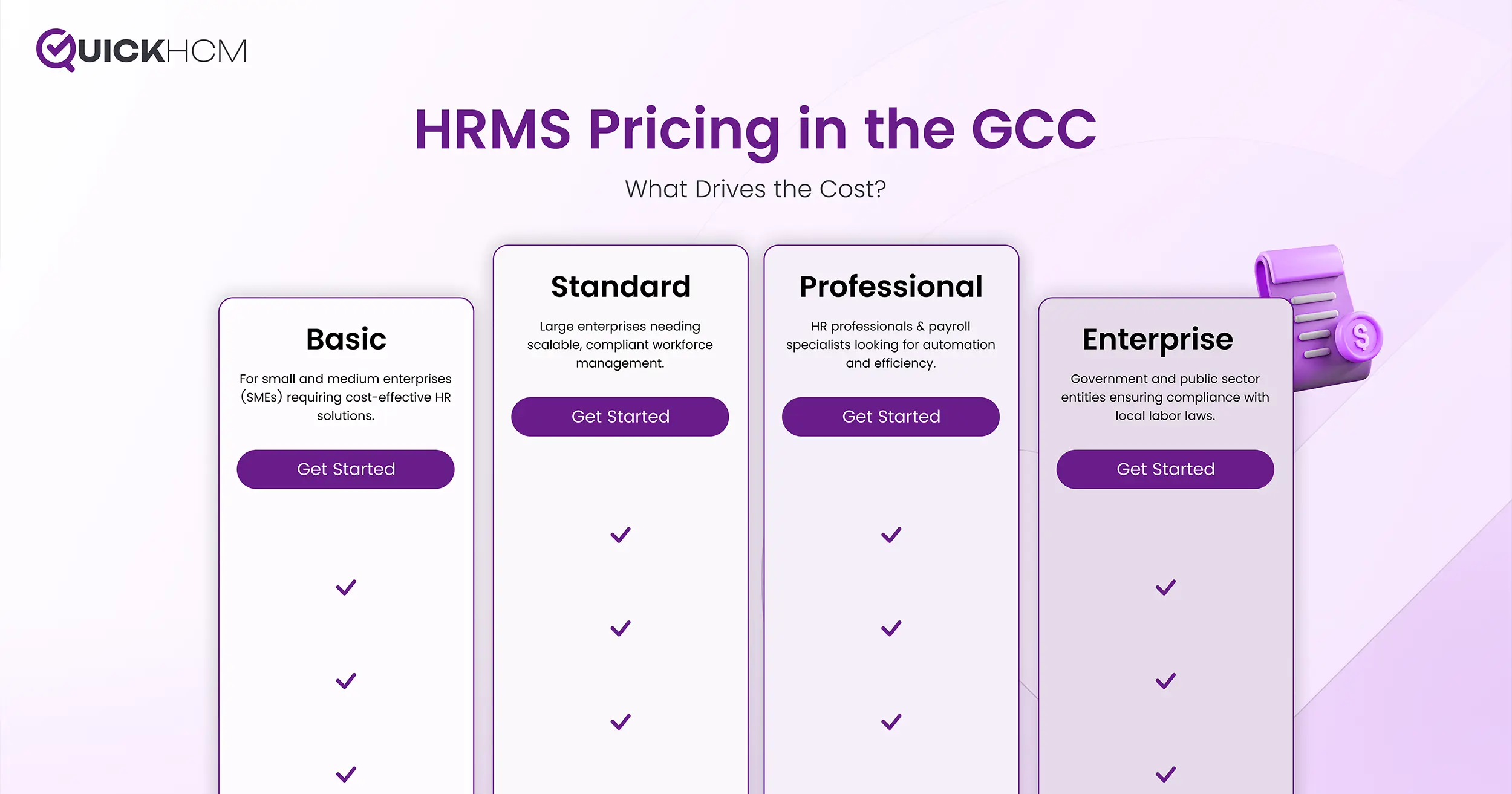
QuickHCM currently presents Basic, Standard, Professional, and Enterprise-level package options. Organizations can also explore subscription-based, on-premises, and dedicated cloud deployment approaches.
QuickHCM’s quotation process considers information such as employee count, number of companies, country, selected package, and deployment preference.
This allows prospective customers to discuss their actual operational requirements before receiving a commercial proposal.
For organizations evaluating HRMS software across Bahrain, Saudi Arabia, the UAE, and other GCC markets, the next step is to identify the modules and implementation scope that fit their workforce.
Conclusion
HRMS pricing in the GCC is influenced by more than the number of employees.
Modules, payroll requirements, deployment preferences, integrations, organizational structure, implementation, and support can all affect the final cost.
That is why HR and Finance teams should compare quotations using a consistent scope rather than focusing only on headline subscription prices.
A good HRMS buying decision balances affordability with operational fit, future growth, and the ability to connect workforce processes.
QuickHCM offers modular HRMS capabilities and multiple deployment options for GCC organizations, with pricing quotations based on business requirements.
Ready to evaluate an HRMS for your organization?
Book a QuickHCM Demo to discuss your workforce requirements, explore relevant modules, and understand the next steps toward a tailored quotation.
Frequently Asked Questions
HRMS software costs vary according to employee numbers, required modules, payroll complexity, deployment, integrations, and implementation services. Some vendors use per-employee subscriptions, while others offer module-based packages or customized quotations. There is no single price that applies to every GCC business. Buyers should request an itemized proposal covering recurring charges, one-time implementation costs, support, and optional services.
Employee count is a common pricing factor, but not every HRMS vendor uses the same model. Some charge per employee per month, while others use workforce bands, package-based pricing, or customized agreements. Buyers should confirm how employees are counted, whether minimum charges apply, and how workforce growth affects future costs.
It depends on the vendor, selected package, and implementation scope. Payroll may be included within a broader HRMS package or priced separately. Additional configuration may also be required for salary structures, attendance integrations, reporting, and country-specific workflows.
Implementation costs can depend on employee data migration, payroll configuration, organizational structures, workflow setup, integrations, training, testing, and deployment requirements. Organizations with multiple entities or complex payroll processes may require additional implementation effort.
Businesses should evaluate core functionality, payroll capabilities, employee self-service, mobile access, reporting, security, integrations, implementation support, training, and scalability. They should also compare total ownership costs over several years rather than looking only at monthly subscription fees.