
Employee Asset Management Software for GCC Businesses
Assign, Track and Recover Employee Assets with Greater Control
QuickHCM’s Employee Asset Management module helps HR, IT, administration, and operations teams manage company assets assigned to employees. Track laptops, phones, vehicles, tools, uniforms, access cards, equipment, and other workplace items from assignment and transfer through maintenance, return, replacement, or disposal-all within a connected employee record.
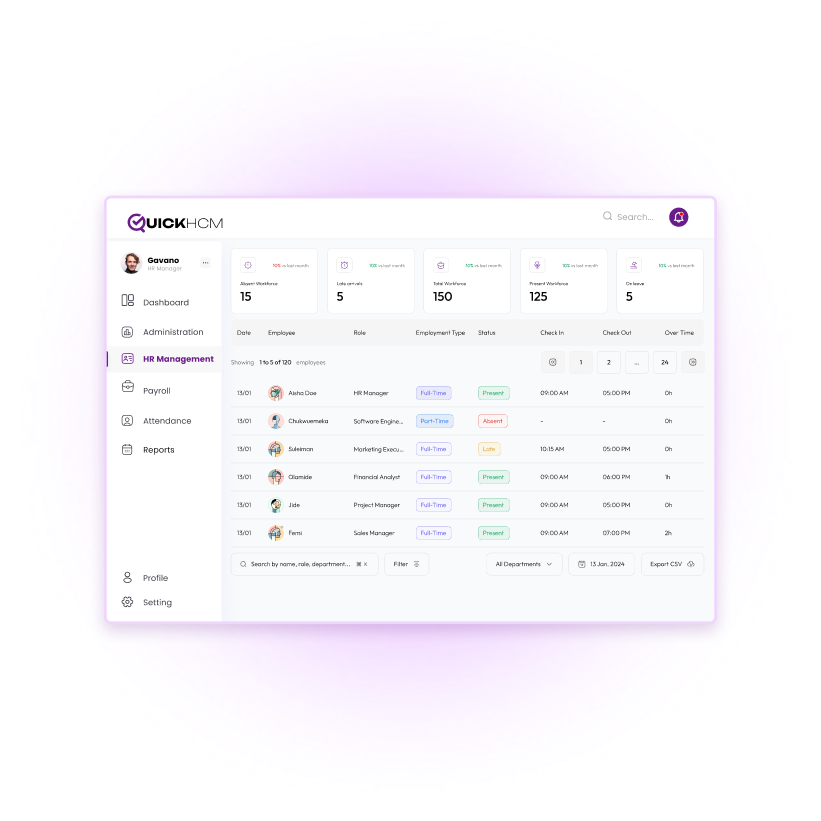
Key Features of QuickHCM Employee Asset Management

Asset Assignment & Tracking
Assign workplace assets to employees during onboarding, role changes, transfers, or day-to-day operations. Record the asset, employee, assignment date, branch, department, condition, and supporting notes so responsible teams can see who currently holds each item.

Condition & Return Status
Record asset condition at the time of issue and return. Track damages, replacements, or missing items.Record asset condition when an item is issued, transferred, repaired, replaced, or returned. Teams can document whether an asset is available, assigned, damaged, missing, under maintenance, returned, or retired according to the organization’s configured status options.

Asset Logs and Transaction History
Maintain a structured history of asset assignments, transfers, returns, condition updates, remarks, and related actions. This helps authorized users understand how an item has moved across employees, departments, branches, or locations over time.

Asset Categories and Identification
Organize assets into categories such as laptops, mobile devices, vehicles, access cards, tools, uniforms, office equipment, and specialist machinery. Record serial numbers, internal asset codes, tags, models, brands, and other identifying details for easier retrieval.

Multi-Branch Asset Tracking
Manage employee-issued assets across multiple companies, branches, departments, projects, or locations from one connected system. Authorized teams can review where assets are assigned and which employee or business unit is responsible for them.

Alerts & Notifications
Use configured reminders for warranty expiry, scheduled maintenance, pending returns, or assets requiring attention. During employee separation, responsible teams can review assigned items and record whether each asset has been returned, transferred, replaced, or otherwise resolved.
Business Benefits
- Improve visibility of assets assigned to employees, departments, branches, and locations
- Reduce reliance on spreadsheets, paper forms, and disconnected asset records
- Support more organized asset assignment during onboarding and role changes
- Track asset condition, transfers, maintenance, returns, and pending actions
- Strengthen coordination between HR, IT, administration, finance, and operations
- Support more structured asset clearance during employee separation
Connected Across the QuickHCM Employee Lifecycle
- Link every assigned item to the correct employee profile, department, branch, position, and employment status.
- Review outstanding employee assets during clearance and record return, transfer, damage, replacement, or pending status before closing the exit workflow.
- Keep asset handover forms, acknowledgements, supporting images, return records, or other documentation connected with the employee or asset workflow.
- Review configured information on assigned, available, returned, damaged, missing, transferred, or maintenance-related assets.
- Prepare and assign required workplace assets as a new hire moves into the employee onboarding process.
Bring Employee Asset Records Into One Connected System
See how QuickHCM can help your teams assign, track, transfer, maintain, and recover employee-issued assets across companies, branches, departments, and locations throughout the employee lifecycle.
Employee Asset Management Software FAQs
Q1: What is employee asset management and why is it important?
Employee asset management is the process of recording, assigning, tracking, maintaining, transferring, and recovering company-owned items used by employees. These may include laptops, mobile phones, vehicles, tools, access cards, uniforms, office equipment, or specialist machinery. A structured asset system helps organizations identify who is responsible for each item, where it is located, what condition it is in, and whether it has been returned, replaced, transferred, or retired.
Q2. What types of assets can be tracked in an employee asset management system?
An employee asset management system can track laptops, desktop computers, phones, tablets, vehicles, tools, access cards, keys, uniforms, safety equipment, office furniture, machinery, and other workplace resources. Organizations can create asset categories based on their industry and operational needs. Each record may include an asset code, serial number, model, category, condition, employee assignment, branch, department, warranty information, and current status.
Q3: How does asset management support onboarding and employee separation?
During onboarding, QuickHCM can link assigned equipment or workplace items to the new employee’s record. This gives HR, IT, administration, and operations teams clearer visibility of what has been issued. During employee separation, assigned assets can be reviewed as part of the clearance process. Responsible users can record whether each item was returned, transferred, damaged, replaced, missing, or otherwise resolved before the offboarding workflow is completed.
Q4. Can employee asset management software track maintenance and the asset lifecycle?
Yes. QuickHCM can support asset-lifecycle tracking from assignment through transfers, condition updates, maintenance, return, replacement, and retirement. Organizations can record maintenance-related information and use configured reminders for warranties, scheduled service, or assets requiring attention. The exact maintenance process depends on the organization’s asset categories, operational procedures, responsible teams, and system configuration.
Q5: How does asset tracking improve operational efficiency?
Asset tracking gives teams a clearer record of which assets are available, assigned, transferred, under maintenance, returned, damaged, or otherwise unavailable. This can reduce time spent searching across spreadsheets, paper forms, emails, and separate departmental records. It also helps HR, IT, administration, finance, and operations coordinate asset assignments, employee transfers, maintenance activities, and return procedures using more consistent information.
Q6: How does asset management integrate with HR and finance processes?
QuickHCM connects employee assets with the relevant employee profile, company, branch, department, and employment status. This supports coordination between HR, IT, administration, finance, and operations. Asset records can also support onboarding, employee transfers, separation clearances, reporting, and documentation workflows. Any connection with financial accounting, depreciation, procurement, or external systems depends on the organization’s configured modules and integration requirements.
Q7: Can employees view and manage their assigned assets?
Depending on the organization’s configured permissions and self-service workflows, employees may be able to view selected information about assets assigned to them. This can help employees confirm which items are recorded under their name and understand their responsibilities. Requests for maintenance, replacement, transfer, or updates may also be supported where the relevant workflow has been enabled and approved by the organization.
Q8. How does QuickHCM manage employee assets?
QuickHCM provides a centralized system for recording, assigning, transferring, monitoring, and recovering employee-issued assets. Organizations can classify items, record serial numbers and tags, connect assets with employee profiles, track condition and status, maintain transaction history, and review pending returns during employee separation. The module also connects asset information with employee records, documents, reporting, and other relevant HR workflows.
Q9. Is QuickHCM Employee Asset Management suitable for organizations operating across the GCC?
Yes. QuickHCM can support organizations managing employee-issued assets across Bahrain, Saudi Arabia, the UAE, and the wider GCC. Businesses can organize assets by company, branch, department, employee, project, or location and use structured workflows for assignment, transfer, condition tracking, maintenance, and return. Asset policies and responsibilities should be configured according to the organization’s operations, employment terms, internal controls, and applicable professional guidance.
Insights & Resources
Stay Ahead with Expert HR Insights

HR software for construction companies helps manage employees working across
HR software for trading and distribution companies helps businesses manage

For Mudad and WPS in Saudi Arabia, employers should follow
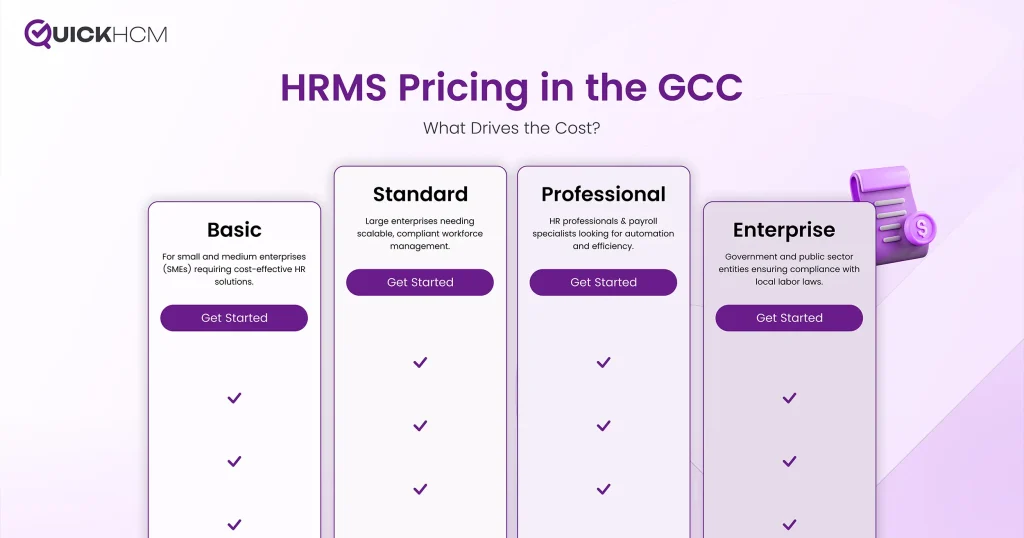
HRMS pricing in the GCC depends on workforce size, required

Employees do not lower their digital expectations when they arrive

In today’s digital-first business landscape, HR teams across Bahrain and